
Choose 20 Free Ebooks and over 2 Million Free Public Domain Titles from Google Books
by Sony Reader Library Software
by Sony Reader Library Software
We think that our previous post in 2009 [Sony Reader Adds 500,000 Free Ebooks to Its Collection Through Partnership with Google] was lacking a pinch of a step by step instructions, hence why we’re bringing this post up to help those who left their comments in frustration of not being able to get these free ebooks. Also another point worth mentioning that the number of free Google Books now in Sony Reader Library Software is now at over a million, compared to 500,000, posted previously in mid 2009. Anyway, let’s get started …
First, go to http://ebookstore.sony.com/download/
Secondly, depending on the type of machine you own, click on the download link to download the Reader Library Software.
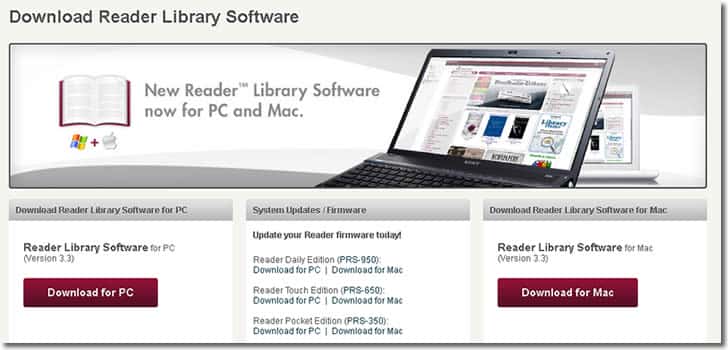
Download the software to your computer and run the installation file to install the software (Reader Library Software). Follow the onscreen instructions start the software. During the installation process, it’ll prompt you to select your region. If your country / region is not listed, just choose United States. This option can be changed later from the Reader Library Software under Edit > Preferences > Region.
Once installed, run the sofware.
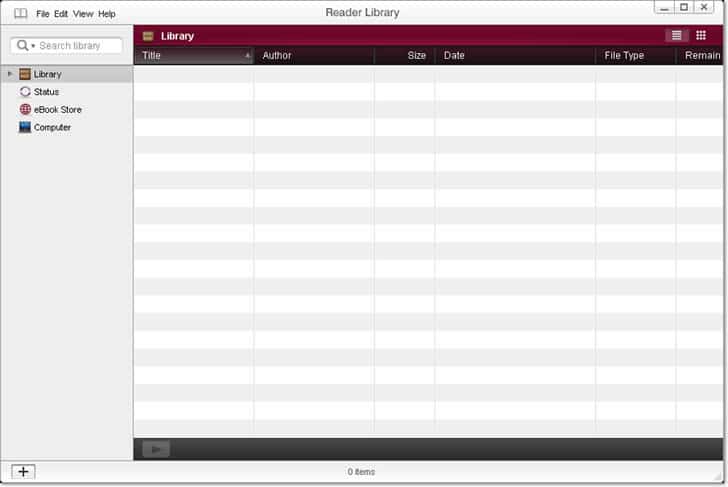
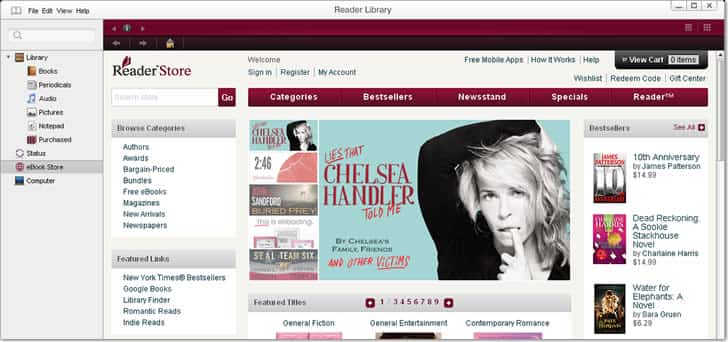
Click on the eBook Store link at the left menu, and you’ll be at the main page of the Store’s interface. From here onwards, everything is pretty straightforward.
- To access Sony’s Free eBooks section, click on “Free eBooks” under Browse Categories. At the time of posting, it has around 19 free ebooks for you to download. This section is very “region” limited, only allowing users with a valid US or Canada address to be able to download them.
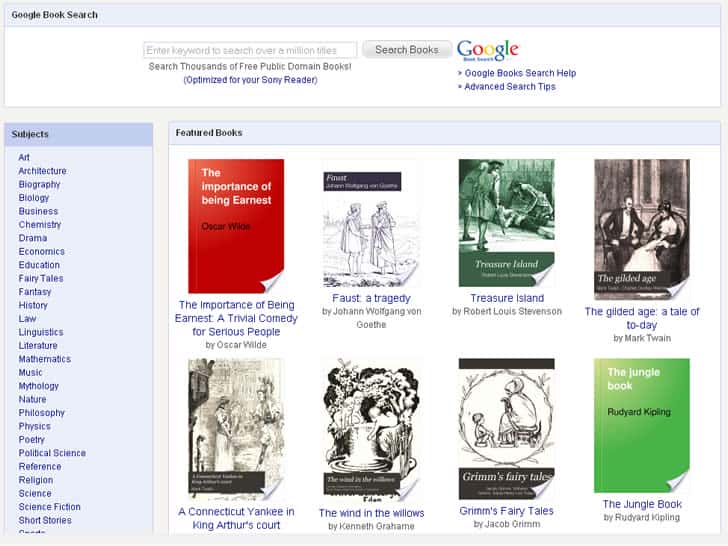
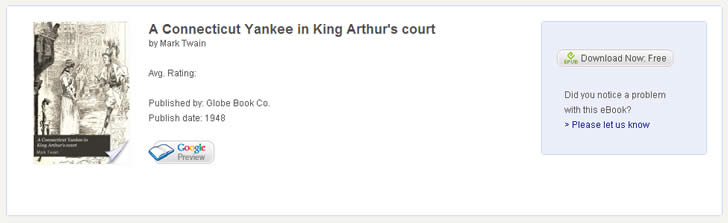
- To access Google Books, click on “Google Books” under Featured Links. This section is more flexible with no region limitations and allow quick access to your downloads.
- Do take note that in order to access & download Google Books as well as Sony’s free eBooks, you need to have an Adobe username and password. Click here to register an account , if you don’t already have one.
Sign in and download all the ebooks you want. All of you downloaded ebooks will be listed under Library > Books.




{ 0 komentar... Views All / Send Comment! }
Post a Comment